Set your max hours (and your rate)
Quick one. Out of the box, Margin assumes a traditional 40 hour week. Let's make it yours. Open Settings (top right) and set two things.
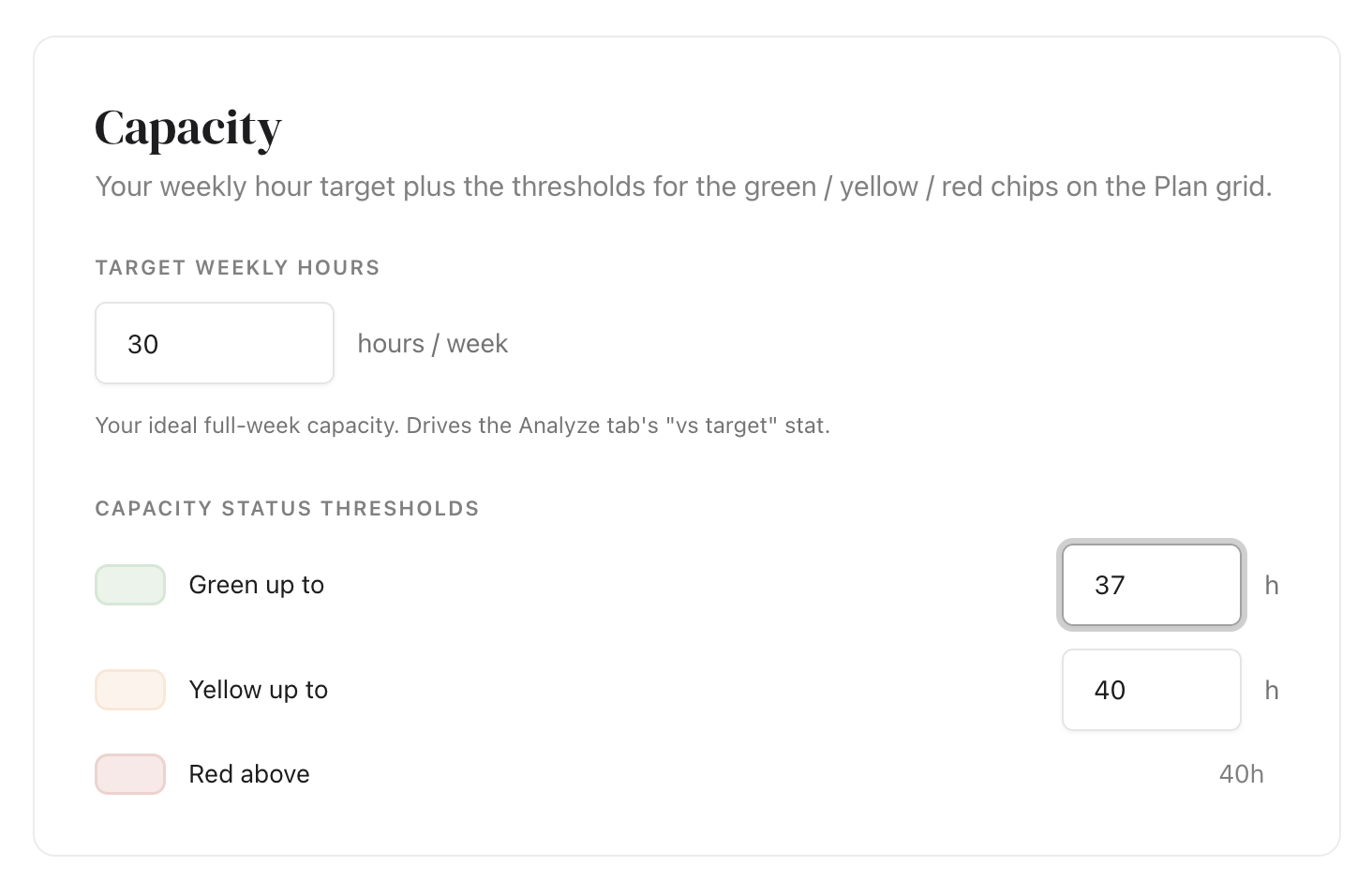
1. The hours you want to work in a week
Your ideal full week. Once it's set, the colors on your Plan grid mean something: green when a week is under your number, yellow when you're getting close, red when you're over.
You can leave it at 40 and block your personal and family time into the grid too, so your week still reflects reality even when your client work is only 20 or 30 hours. Or set it lower. It's your week.
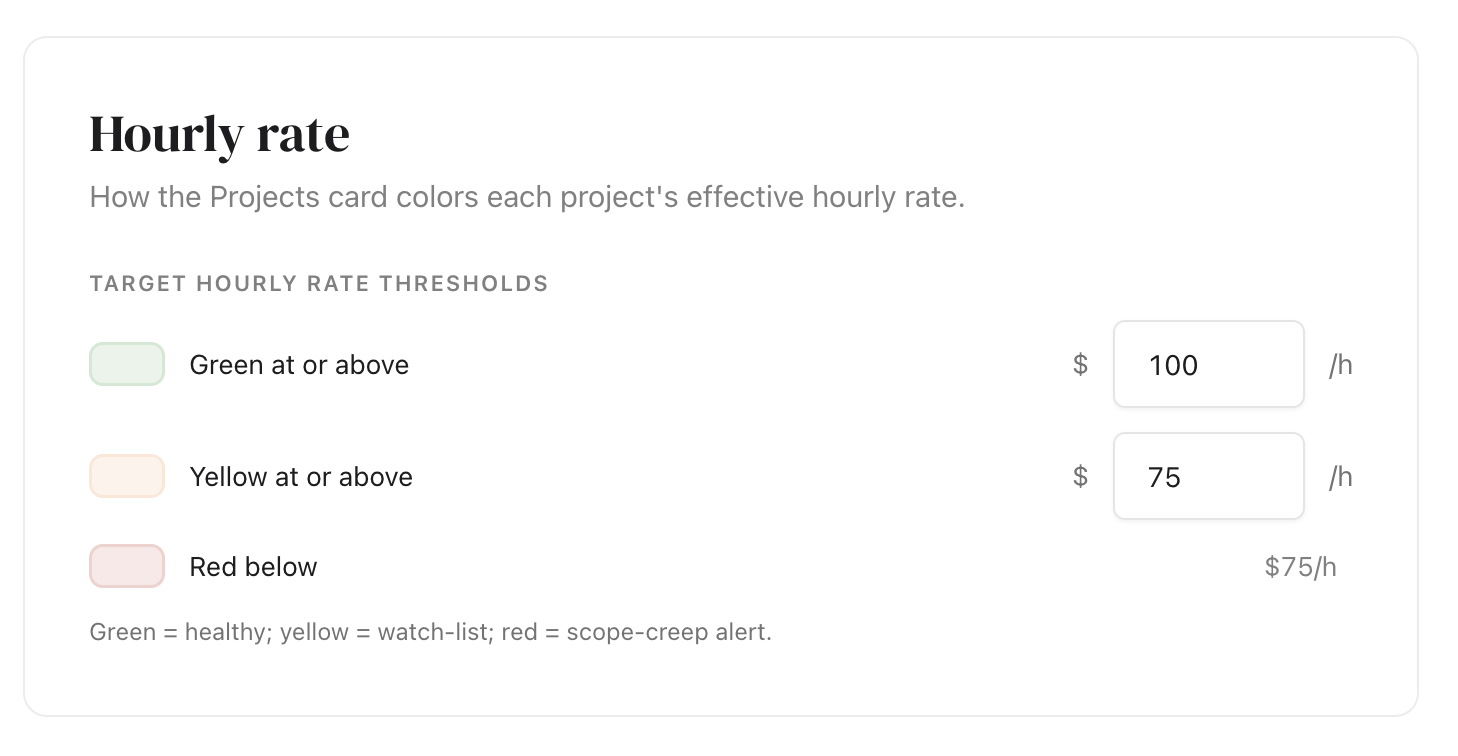
2. Your target hourly rate
The rate you'd be happy to earn for your time. Margin uses it to show you which projects are actually paying well, and which ones aren't, once you have some hours tracked.
Margin is a capacity planner for people who run a business and a life from the same desk.
Start planning →